Kitchen Display System (KDS) — 1.KDS for Hotel and Restaurant Kitchens

1.KDS is a kitchen display system built for speed. Orders arrive from the POS, guest app or manual entry and are routed instantly to cold kitchen, hot kitchen, meats, baking, bar and expo displays, each with live ticket-age tracking, so food leaves the pass in the right order and on time.

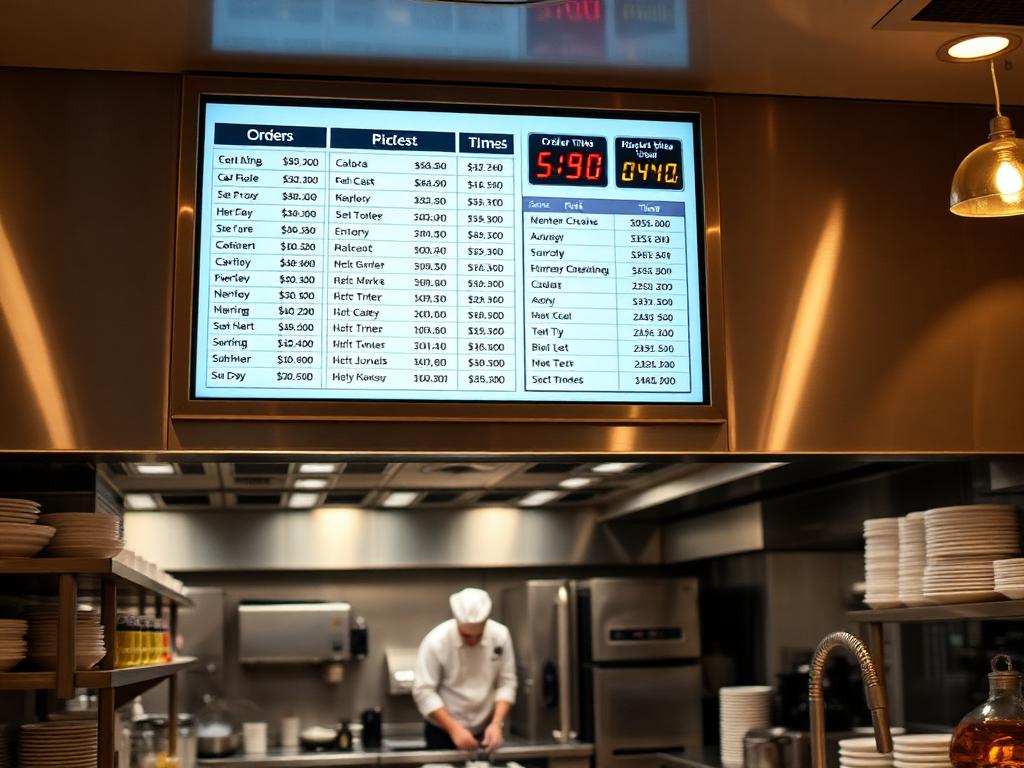
Professional hotel kitchen with a kitchen display screen showing live order tickets

Kitchen Display System (KDS) features

Multi-station routing

Each station sees only its own items on a dedicated live display, with tap-to-start and tap-to-complete workflow.

Expo & quality control

A centralised expo view coordinates plating, quality checks and dispatch across every station.

SLA monitoring & audio alerts

Real-time ticket age with configurable warning and critical thresholds per station, plus sounds for new orders and breaches.

Course firing

Sequential course management so courses fire when the table is ready rather than all at once.

Runner display & thermal printing

Dedicated runner terminal with delivery confirmation, plus 80mm or 58mm thermal KOT printing as backup.

Reports, admin & TV mode

Ticket times, SLA compliance, staff leaderboards and activity logs, an admin console for menus and routing rules, and a large-screen kitchen monitor mode.

Why hotels choose it

  • Faster tickets and fewer missed or duplicated orders
  • Offline resilience queues actions locally and syncs when connectivity returns
  • PIN-based staff login with role-based access control
  • Suits hotels, restaurants, cafés, cloud kitchens, food courts and catering

Kitchen Display System (KDS) FAQs

What is a kitchen display system?
A KDS replaces printed dockets with digital screens at each kitchen station. Orders are routed automatically, timed against service targets and marked complete on screen, giving the kitchen and management live visibility of every ticket.
Where do orders come from?
From your POS, from the 1.Hotel guest app for in-room dining, or from manual entry on the built-in order screen.
What happens if the internet drops?
1.KDS queues actions locally and synchronises automatically when connectivity returns, so service continues during an outage.
Can we still print kitchen tickets?
Yes. Physical KOT tickets can be printed on 80mm or 58mm thermal printers as backup or for handoff alongside the screens.
What hardware does it run on?
Any device with a modern browser — kitchen-grade touch screens, tablets or TVs in large-screen monitor mode. Staff sign in with secure PIN codes.
What reporting is available?
Live dashboards for ticket times, SLA compliance by station, staff leaderboards and full activity logs for service reviews.

Request a Kitchen Display System (KDS) quote

Send your property details, room count and timeline and we will come back with a scoped proposal and pricing.

Related products